
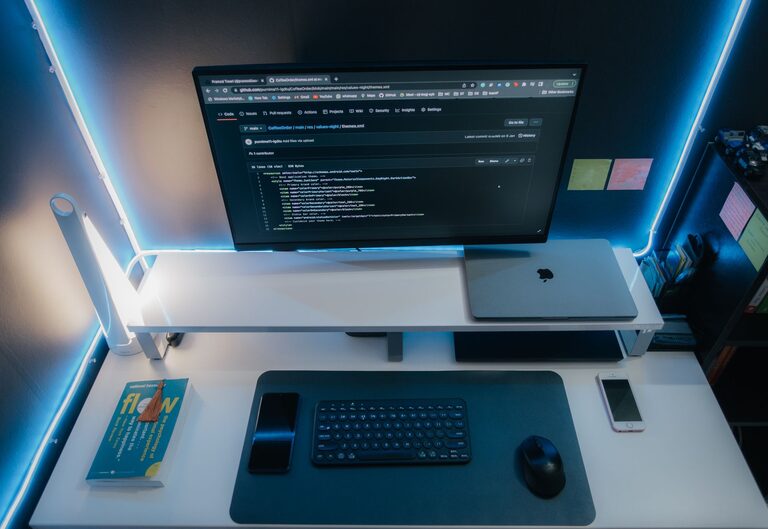
In today’s connected world, our digital lives can become just as cluttered as our physical spaces. From overflowing email inboxes to countless files scattered across devices, digital clutter can impact productivity, cause stress, and slow down your devices. If you’re ready to regain control and create a more organized digital environment, follow these practical steps to declutter your digital life.
Why Decluttering Your Digital Life Matters
Digital clutter often goes unnoticed but can lead to frustration, wasted time, and even security risks. Organizing your digital space helps you:
– Find important files quickly
– Improve device performance
– Reduce stress and mental overload
– Protect your privacy and data security
Step 1: Clean Up Your Email Inbox
Your email inbox can quickly become overwhelming with hundreds or thousands of messages stored. Here’s how to tackle it:
Sort and Delete Unnecessary Emails
– Start by deleting obvious spam, promotions, and newsletters you no longer read.
– Use filters or search tools to find large attachments or old emails that are no longer needed.
– Unsubscribe from mailing lists that don’t add value to your life.
Create Folders and Labels
– Organize your remaining emails into folders or labels by category, project, or priority.
– Set up rules to automatically sort incoming emails into these folders.
Use Your Inbox as a To-Do List
– Keep only actionable emails in your inbox.
– Archive or delete emails once you’ve addressed them.
Step 2: Organize Your Files and Folders
Digital files can pile up across desktops, downloads, and cloud storage. An organized system saves time and avoids duplication.
Develop a Folder Structure
– Create main folders for broad categories (e.g., Work, Personal, Photos).
– Use subfolders for more specific grouping (e.g., within Work: Projects, Reports, Invoices).
Delete or Archive Old Files
– Remove duplicates and outdated files.
– Archive files you might need later but don’t want cluttering your workspace.
Name Files Clearly
– Use clear, descriptive names that include dates or version numbers.
– Avoid generic names like Document1 or Image2.
Step 3: Manage Your Photos and Videos
Photos and videos often consume significant storage and can be disorganized.
Backup Your Media
– Use cloud services or external drives to back up important memories.
Sort and Delete Unwanted Items
– Delete blurry or duplicate photos and videos.
– Organize the rest into albums or folders by date, event, or theme.
Step 4: Declutter Your Apps and Software
Too many apps or programs can slow devices and make navigation confusing.
Uninstall Unused Apps
– Review all installed apps on your phone, tablet, and computer.
– Remove apps you haven’t used in the past few months.
Update Regularly
– Keep apps and software updated to improve performance and security.
Limit Notifications
– Disable nonessential notifications to reduce distractions.
Step 5: Streamline Your Social Media and Online Accounts
Social media and online accounts contribute to digital clutter in less obvious ways.
Review Connected Accounts
– Delete unused or duplicate accounts.
– Adjust privacy and notification settings for better control.
Clean Up Friends and Contacts
– Unfollow or unfriend accounts that no longer interest you.
Organize Bookmarks
– Remove outdated bookmarks.
– Group related bookmarks into folders for easier access.
Step 6: Use Tools to Help Maintain Order
Several tools can help automate and simplify digital decluttering:
– Email management apps to filter and unsubscribe automatically.
– Duplicate file finders to locate and remove copies.
– Cloud storage services with organized folder options.
– Password managers to securely manage login information.
Step 7: Set Up a Regular Decluttering Routine
Maintaining an organized digital life requires regular care.
– Schedule monthly or quarterly digital cleanups.
– Spend a few minutes daily sorting emails and files.
– Continuously evaluate your digital habits and tools.
—
Decluttering your digital life is a rewarding process that can boost your focus and reduce stress. By following these steps, you’ll create a simpler, more efficient online environment that serves you well every day. Start small, stay consistent, and enjoy the benefits of a clearer digital space.
About the Author